
An Entitlement ID or Contract Number is required for the update. If you are unsure of how to get the Entitlement ID please review the how to find my entitlement ID? at the end of this post. If you want to check for the contract number please reach out to your account manager/ Trilion rep.
Updating the License through the ZEISS Portal
-
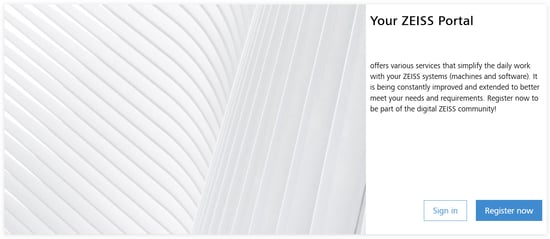
Go to Zeiss Portal and sign in. If you do not have a Zeiss ID, please register.
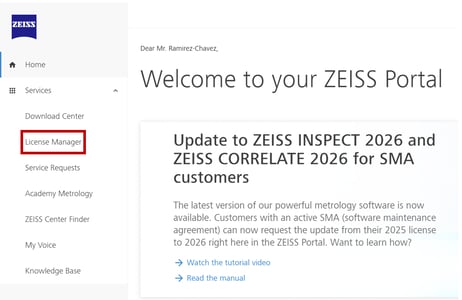
- Once logged in, go to the License Manager tab.
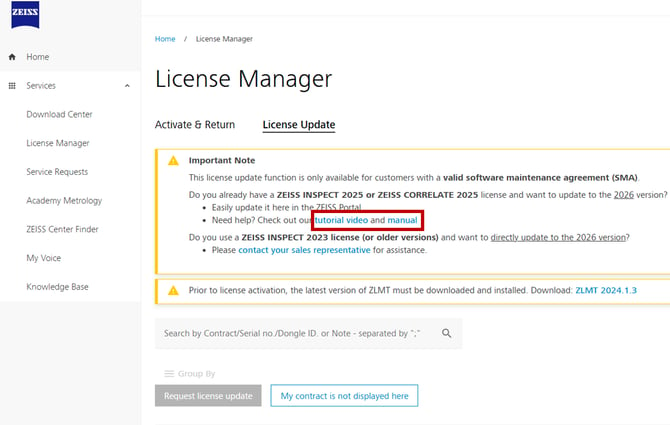
- Click on the License Update tab. Follow instructions and consult the video or manual in case there is any questions.
How to find the Entitlement ID?
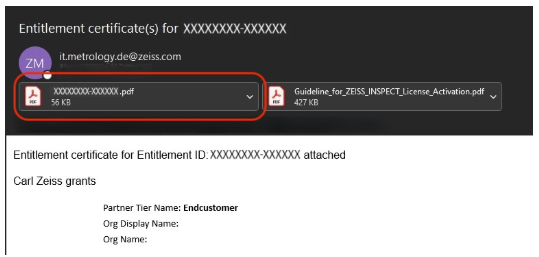
- First way: Open ZEISS entitlement email
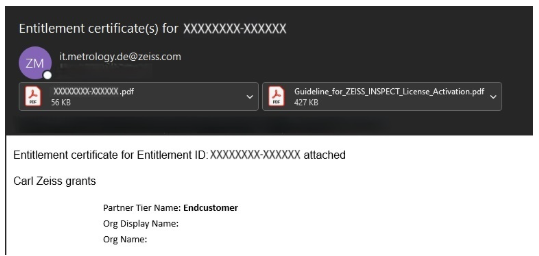
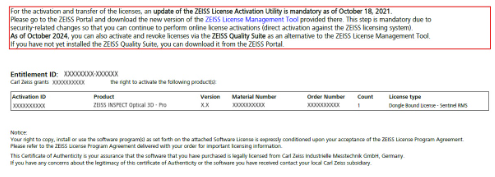
- First way: Open the pdf attachement (Entitlement Certificate_
- First way: Find the Entilement ID in the headline
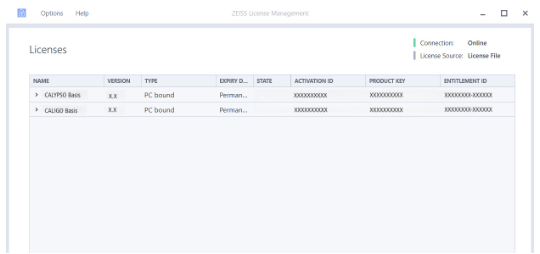
- Second way: ZLMT
- Open ZEISS License Management Tool

- Open ZEISS License Management Tool
- Second way: ZLMT
- Navigate to License Overview
- Find Entilement ID in last right column
- Double click to select & copy
- Third way: Zeiss Quality Suite
- Open ZQS
- Navigate to License Overview
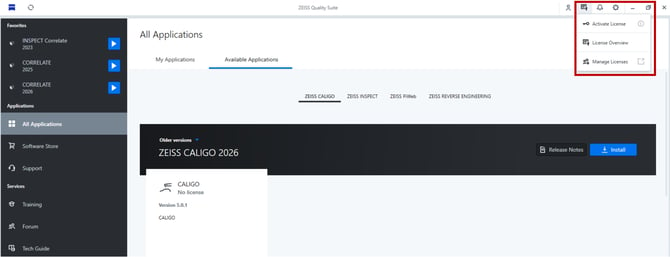
- Find Entilement ID in column "Entitlement ID"
- Navigate to the "Details: and copy Entitlement ID

- Open ZQS